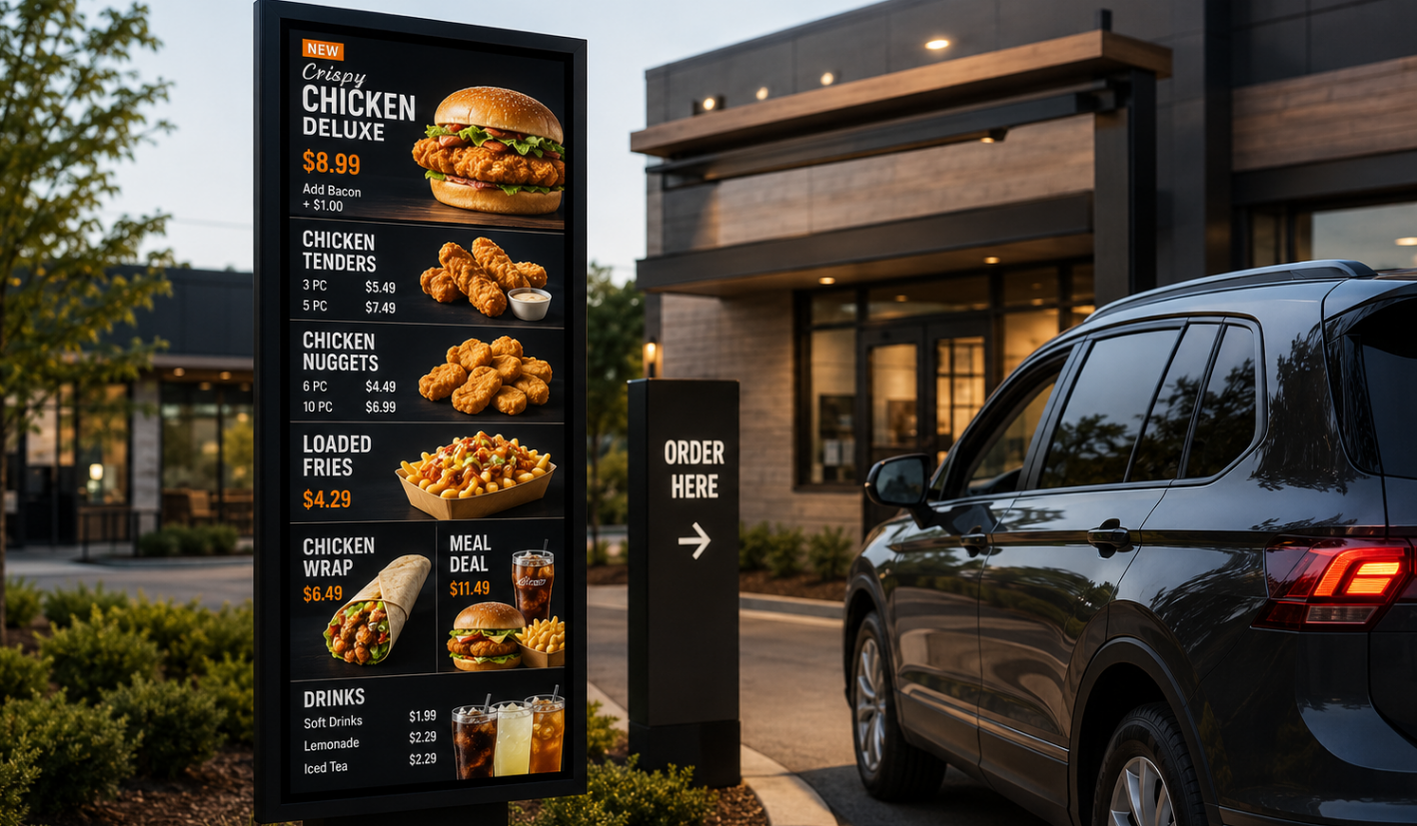


Menus that stay in sync with your stores.
Most QSR menu boards look digital, but still behave like static signs. Prices change. Stock runs out. Promotions move by time, region, and store.
Storeplay connects menus to the systems that run your stores, so pricing, promotions, and availability stay accurate across every location.
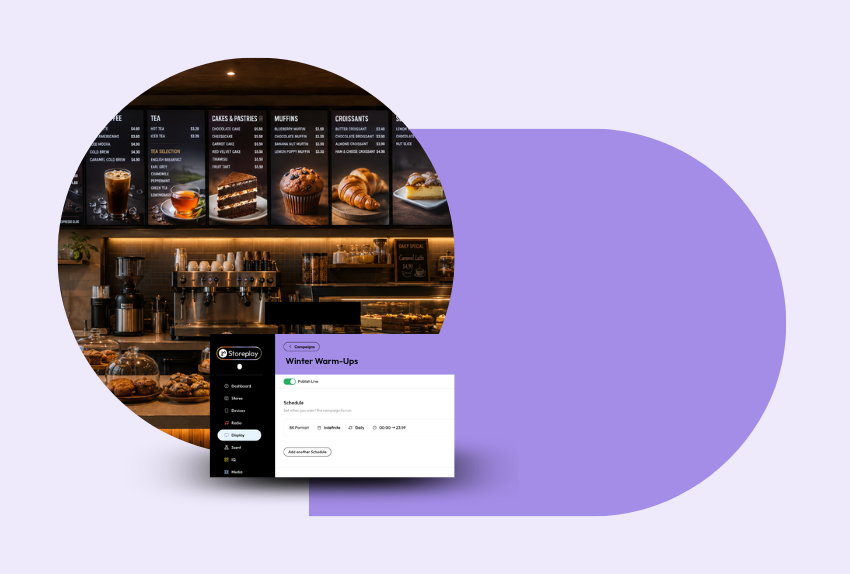
Stop managing your menus like static signs.
At scale, menu board errors are expensive. The wrong price on screen. A sold-out item still being promoted. A campaign live in some stores but not others.
Storeplay gives you control over menu content, pricing, promotions, dayparts, and product availability so every screen reflects what your stores can actually sell.
Built for fast-moving food service
Pricing that keeps up
Push pricing and promotional updates nationally, regionally, by franchise group, or by store. No manual screen-by-screen changes. No lag between the decision and the menu.
Sold-out items removed faster
When the POS flags an item as unavailable, Storeplay can support menu board workflows that update what customers see. Customers stop ordering products your team can’t serve.
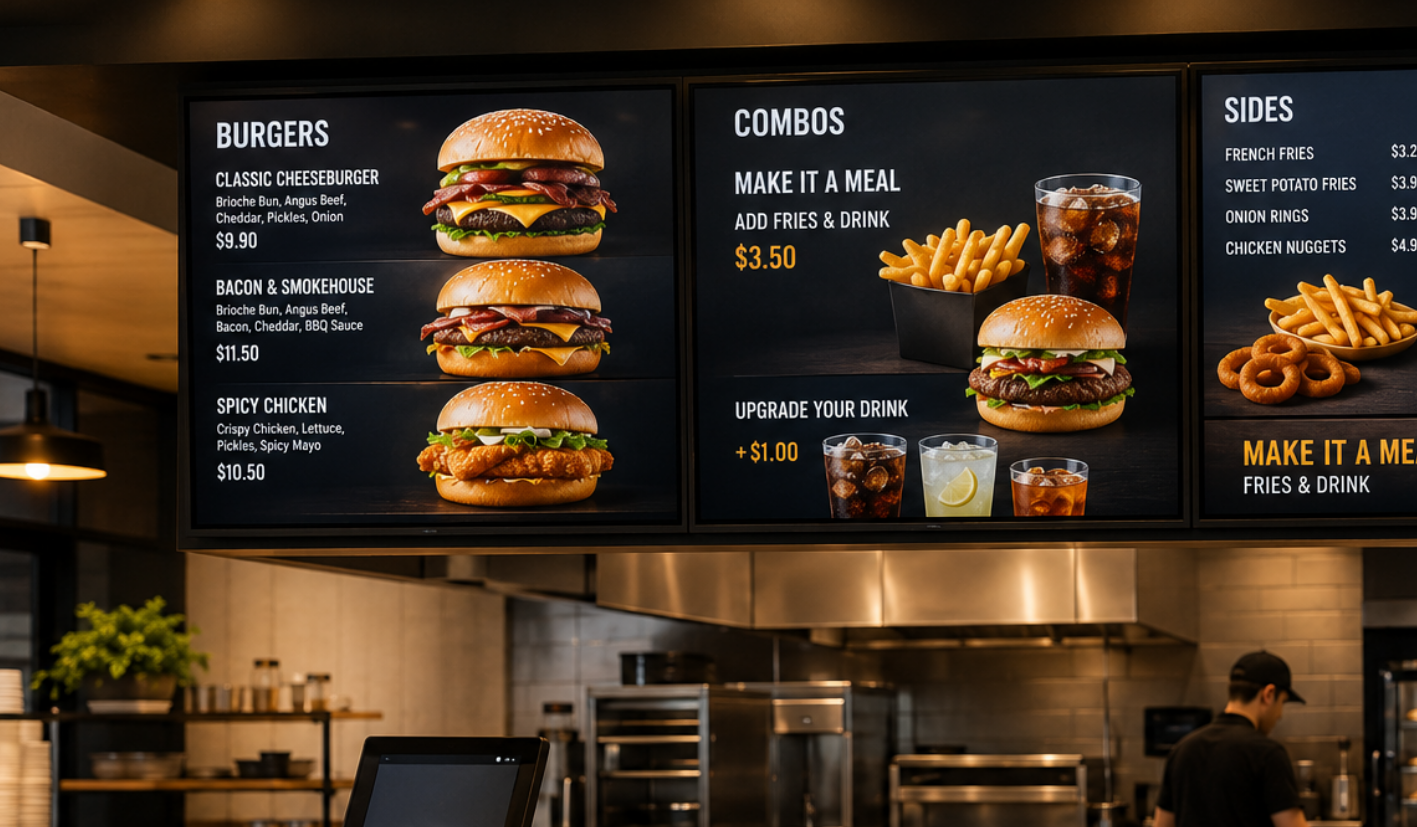
Central control at scale
Manage menus, pricing, campaigns, layouts, and local variation from one platform. Head office gets control. Stores get fewer manual tasks. Customers see the right menu.
Built for every kind of food service location.
Every food service network is different.
Some stores have newer screens. Some need indoor menu boards first. Others need drive-through displays, regional pricing, or franchise-level control.
Storeplay works with compatible System-on-Chip displays and can bring older screens onto the network using media players where needed.
Start where you are. Scale when you’re ready.
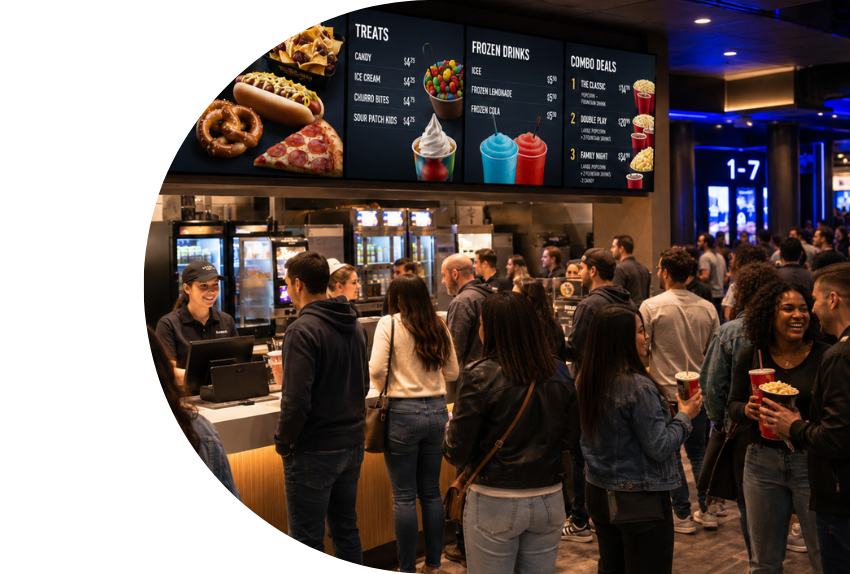
POS-connected menus. Branded content. One platform.
A menu board can look modern and still be wrong.
Storeplay can connect with existing systems where an API is available, using your POS and source platforms to help keep pricing, menu data, and product availability aligned.
Layer in branded templates, campaign creative, motion, and video-led content, and your menu boards can sell the offer while staying accurate.
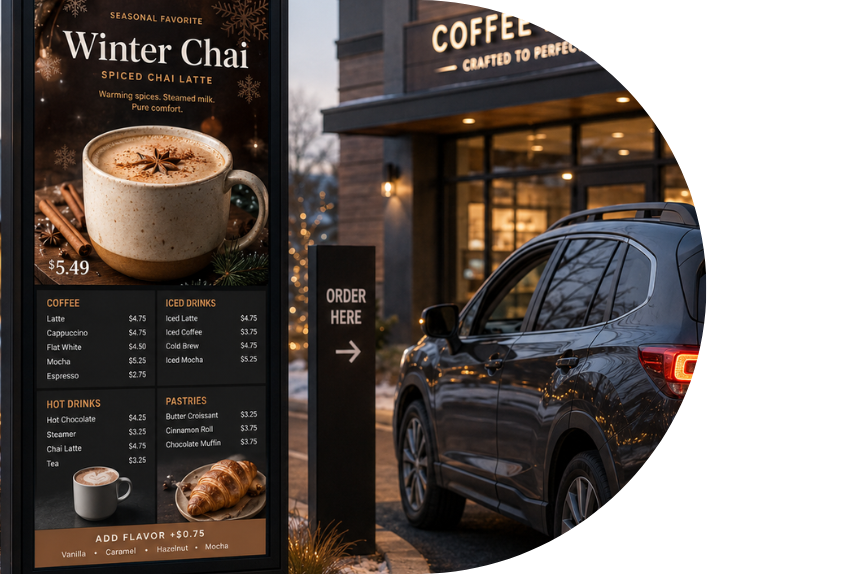
A better way to manage menu board complexity.
Digital Menu Boards sit inside Storeplay’s RetailOS, alongside wider in-venue content control. That means fewer disconnected suppliers, clearer franchise management, and one platform for the screens customers rely on when they order.
Control
Manage every menu board from one platform, across stores, regions, franchise groups, and formats. Keep pricing, product content, campaign assets, and availability workflows aligned across the network.
Orchestration
Coordinate pricing, promotions, dayparts, product availability, branded content, and campaigns across indoor, drive-through, and promotional screens.
Revenue
Use your screens to promote the products, bundles, upgrades, and offers that matter most at the point of purchase. Turn menu boards into active sales surfaces, not passive display screens.
POS-connected workflows
Connect menu boards to existing systems where an API is available.
Pricing updates
Push pricing changes nationally, regionally, by franchise group, or by individual store.
Sold-out item updates
Remove or update unavailable products when stock status changes.
Daypart scheduling
Switch menus by time, trading hours, campaign period, or location.
Branded templates
Use approved layouts, product imagery, motion, and video-led content.
Indoor and drive-through displays
Support counter menus, drive-through boards, promotional screens, and storefront displays.
Multi-location control
Manage one venue, one region, one franchise group, or your full estate from one system.
Hardware flexibility
Use compatible SoC displays or connect older screens with media players.
RetailOS ready
Bring menu boards, display, music, media, and campaigns into one operating layer.
Storeplay Digital Menu Board FAQs
Storeplay Digital Menu Boards are centrally managed digital displays for QSR, fast food, hospitality, cafés, drive-throughs, and multi-site food service brands.
They help teams manage menu content, pricing, promotions, dayparts, product availability, and branded layouts across every location.
Your menus and promotional content display across your in-store and drive-through screens.
Through Storeplay’s Retail Operating System, your team can control what appears by store, region, franchise group, format, or campaign.
Where integration is available, Storeplay can connect with existing systems such as POS platforms to support pricing, menu data, and availability workflows.
Yes, where integration is available.
Storeplay can support POS-connected workflows that help menu boards reflect source data such as pricing, item availability, menu structure, and campaign rules.
Yes. Storeplay can support drive-through digital menu displays as part of a wider food service display setup.
Drive-through screens can be used for menus, promotions, bundles, value offers, limited-time products, and clearer order decision-making.
Yes. Storeplay can support scheduled dayparting, so menus can change automatically for breakfast, lunch, dinner, late-night, weekends, or campaign periods.
Yes.
Storeplay can support pricing and promotional updates across national, regional, franchise, and store-level groups.
Where integration is available, pricing and product data can also be supported through connected workflows.
Yes.
Storeplay can support workflows that remove or update unavailable products when connected systems flag those items as sold out.
That helps reduce customer frustration and stops staff having to explain why the screen is selling something the store can’t serve.
Yes. Storeplay enables you to build custom templates using your brand fonts, colours, product hierarchy, imagery, animation, and layout rules.
Not always.
Storeplay can work with compatible System-on-Chip displays and can bring older screens onto the network using media players where needed.
The right setup depends on your current screen estate, network, and rollout plan.
Yes.
You can start with pilot stores, priority regions, drive-through locations, or selected formats before rolling out more widely.
This helps enterprise teams modernise menu board operations without forcing a full estate cutover on day one.
They are best suited to multi-site food service brands, including QSR, fast food, drive-through, cafés, food courts, franchise networks, and hospitality groups.
They are especially useful for brands managing frequent menu changes, dayparting, national campaigns, regional pricing, or complex store networks.
Pricing depends on the number of screens, locations, display requirements, integrations, and any other Storeplay products connected to your setup.
Ready to make every menu board easier to manage?
Keep menus, pricing, promotions, and product availability aligned across every location.
Storeplay Digital Menu Boards help food service brands run screens with more control, less manual work, and fewer costly errors.